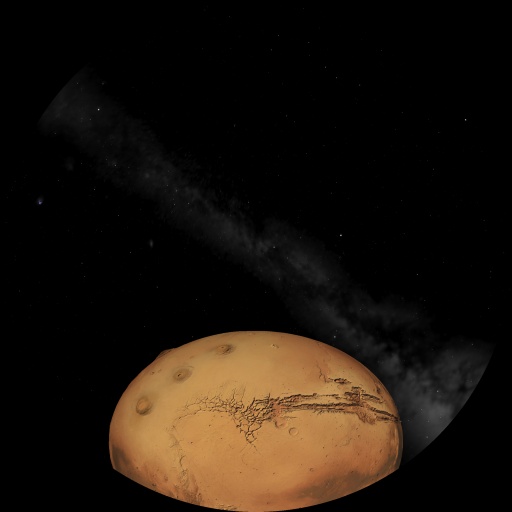
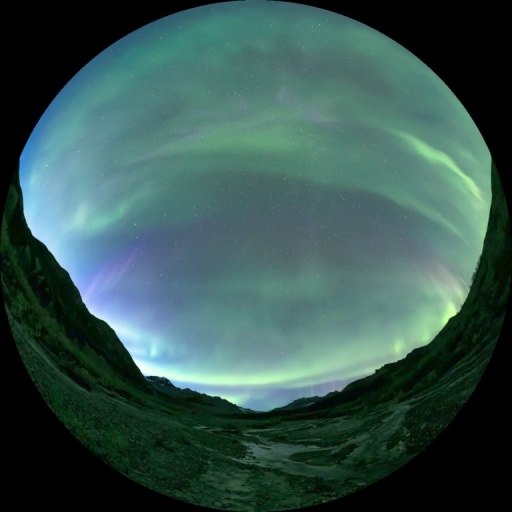
Free: Equator/Polar circles/Tropics/meridians appear on the planet surface if selected and axis drawn Play/Pause icon at the bottom of the screen when script playing option Autocleaning deprecated lines in config.ini Earth's shadow and penumbra at the Moon's distance for eclipses The `moon_brightness` command produces a bluish sky Variables `selected_distance` and `selected_magnitude` created Creation of the `set srt_locale` command which allows playing a specific subtitle file based on the chosen language for a video that has subtitles Fixed header for smooth playback when exiting free navigation mode after a BODY change
Pro:
News 2025:
Free:
ALLSPHERE and ASPHERIC projection modes in config.ini Rear projection mode for the sphere to allow switching on the fly (note: reduced performance, so limit for specific uses) In_sandbox mode created Position action save now includes headings Reinit takes into account new reset options Circle size surrounding body proportional to "font_planet_size" Ability to change the default FOV via script Position action save/load takes into account orientation (what you are aiming at, etc.) Win+Zoom-/+ = -/+ moon sidereal day Ability to play an equirectangular VR or FE video in an image element Playing SRT files synchronized with the video Ability to slow down or speed up a video Media Two "select body pointer on" commands result in a pointer off command. The meteor radiant script function is functional. It is now possible to play videos with transparency (VP9). It is now possible to read images with an odd number of pixels (in width). The "select planet" command can be overridden by "select body". The image coordinate_system spherical handles top_altitude, base_altitude, and rotate_z. The text command can now mix text display with numeric variables. If the color of a body name in ssystem.ini is changed using the color label r x g y b z, it's now possible to revert to the default color using "configuration action load". The image coordinate_system spherical texture is now correctly oriented; there is no longer a need to manually reverse it horizontaly. Decimal-numbered variables are now displayed by removing the unneeded decimal zeros. Gradual fading of stars with variable stars Modifications related to ssystem.ini are reset when the software is restarted Grids around the Earth in external view Windows installer is fully completed PS5 joypad calibration Constellation line width is working again Variable joypad
Pro: If playing a VR video, the following command is canceled once the video finishes
Mode detection via variable
Position action save/load takes into account in_galaxy mode, etc.
Knowing the current video playback progress
News 2024:
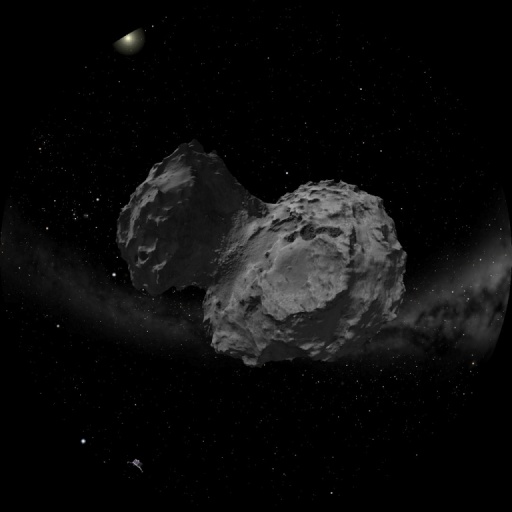
Free: Moon brightness influences quality of the background sky. Variable stars can be inserted. Landscapes appear from the bottom with script command. Create image in spherical format. Dim brightness of any star down to zero if needed with script command. Save image per image to build a video in PNG format. flag skip_pause available Notice what language you're using in scripts Fly close to a comet but not directly into its core. Compatibility with PS4 pads. Complete orbit for comets without broken lines. Comets with 3D tails.
Pro: Main variable stars added. Partial GAIA catalog inserted. New 3D volumetric models. Insert 2D pictures of deepsky objects with scripts. Flag astronomical available for more informations. Distances drawn in stellar system corrected. VR videos without fade in/out. Stars from galaxies dim when far away.
News 2023:
Free: -PS4 joypad compatible -Possible to draw only names of selected bodies/dso/stars -Any text can be drawn at 2 or 3 positions into the dome -Change of Sky Culture but keeping selections -Add meteor radiant by script (most of them already included) -Free movement with joypad possible -Light pollution simulation -Curved constellation names -Fader for texts -Possible to draw stars up to magnitude 9.5 at full view -Possible to know what body is selected -Windows(tm) compilation -Play videos in dual viewport mode (duplicate the smooth point zone) -Possible to loop videos at will -Possibility to have background audio and launch multiple videos without interfering -Better DSO smooth appearance when zooming -More system variables usable in scripts -Subtitles on videos -Fulldome videos played with orientation synced to the heading
Pro: -The MilkyWay contains visible stars in the 3D volumetric model -Local Group with dwarf galaxies at accurate positions -Go to any star and any existing stellar system with possibility to add a new one -Possibility to select any galaxy and navigate around -Names drawn for 3D DSO / Galaxies / Globular clusters -External atmosphere for planets -Draw star names / asterisms when you are in a stellar system
News 2022:
Free: -Videos played with bottom depending on heading -Scriptable close captioning on fulldome videos -More system variables called in scripts -Dynamic memory usage for planetary textures -Rotate fulldome videos on the fly -Orbits tesselated -Most important meteor showers radiants added -DSO appearance enhanced -Dual viewport with fulldome videos on the fly -Command for looping videos -More stars than visible with naked eyes possible -Compilation on Windows -Bug corrections
Pro: -More detailled planetary surface -Planets rings made of particles -Command to change mode on the fly (solar/stellar system - stars - galaxies) -Exoplanets with stars possible flyby -3D volumetric deepsky Objects -6DF catalog added
-More scripts -Better planetary textures -More landscapes -More sky cultures -More videos (VR / rectangular / fulldome)
News 2020:
Free: -Bug corrections -Translations improved -DSO fade in and out -Skins for planets -Constellation boundaries with discontinued lines -Atmospheric refraction for stars -Multiple IF commands in scripts -Illuminate constellations at will -Illuminate function improved -System variables called in scripts -Proportional fonts depending of screen resolution -Read script commands instantaneously -Drawing lines with a direct command -Landscapes with fader -Galactic grid/line on keys -Progressive timerate -Config.ini deprecated values warnings in log
-Scripts error warning with suggestions in log
Pro: -Improved Earth night texture -Night textures for planets and satellites with colors -Play fulldome video only the bottom part but twice (N & S) -Create an asterism on the fly -Draw just the names of the selected stars if in the proper mode -Fonts modified by script -ISS 3D model -Draw ra/de alt/az at the mouse position -Terrain models for satellites -Better Sun textures and halos -More complex and useful scripts included by default -Windows version -Videos played interactively in scripts without timing running possible
News 2019:
Free: -Stretching images horizontally/vertically -Variables modifications with keys -Angular distance -Polar circle -Mouse position in alt/az & ra/de
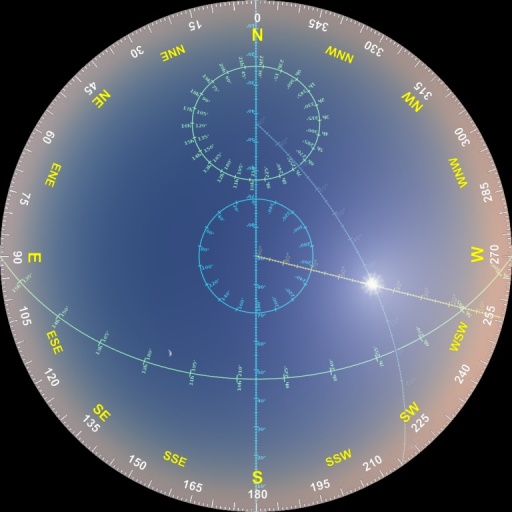
Pro: -3D asterisms bended by fisheye distorsion -Orthodromy/Loxodromy -Exit video with a fade out -Nautical triangle
News 2018:
Click to download a high resolution fulldome video showing the possibilities of the software.
Free: -Bug corrections -Zodiacal light -Milkyway fading -Stars trace not saturated -Rectangular video played with correct distorsion in double or triple -Audio commands improvements -Coloured constellation asterisms -Planets scaling -Hide body possible
Pro: -Tully model -Incorporate 3D models -Navigate through stars with deepsky objects -Ping-pong video mode -Videos played with language selection (if available) -Planets tesselation
News 2017: The
software allows to carry out the same functions as its predecessor
Stellarium360 but the following possibilities have been added...
For the free downloadable version:
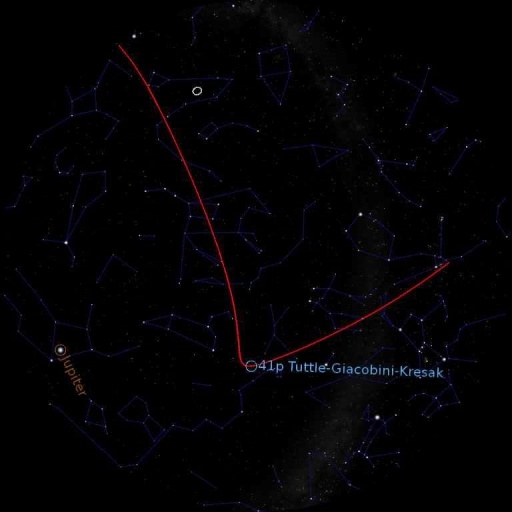
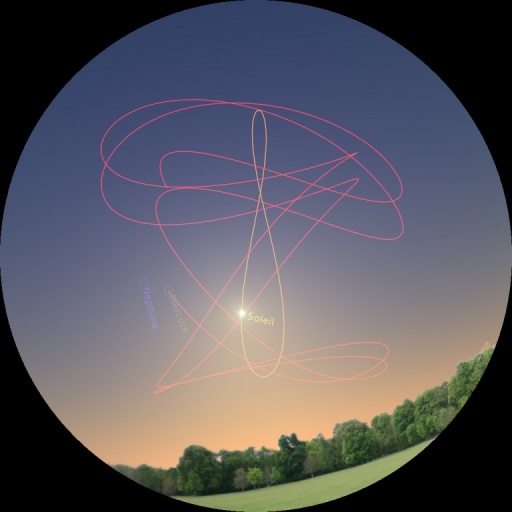
Trace the trajectories of any heavenly object, from your position or in space.
Invert the color of the sky in order to find yourself with rotating sky maps.
Plot the planetary elongations with respect to the Sun.
View the three-dimensional model of the Oort cloud.
But also...
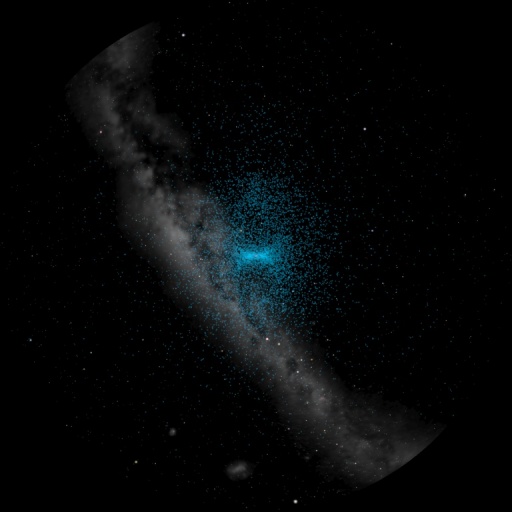
-Enhanced koypad control for better demonstrations. -Increase the size of the planets smoothly. -Zodiacal light. -Go visit the planets with direct shortcuts. -Radiants of main meteor showers well positioned during the year.
-Selection and deselection of constellations with the mouse/joypad.
-Display lines between stars without resorting to asterisms.
-An "illuminate" script function that allows you to differenciate stars.
-Script command for variable management and random values.
-Loop management script function.
-Halos of satellites better adjusted.
-Management of Joypads more extensive (PS2, xbox360 wired and wireless).
-Star trails.
-Positioning function for sunrise and sunset.
-Script function for saving and loading positioning...
For the pro version including add-ons (not free) :
Include rules for calculating the navigation triangle.
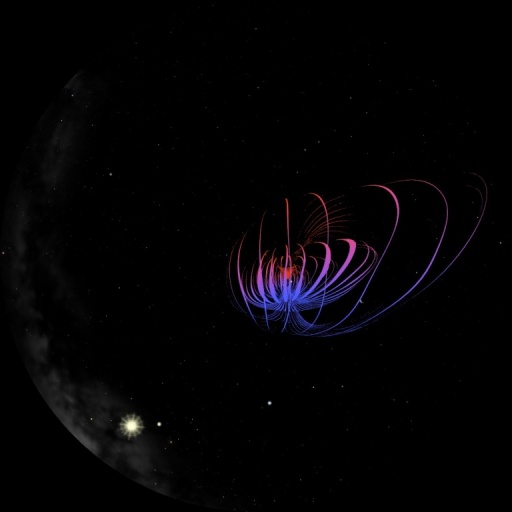
Include non-spherical and textured 3D objects. Display the terrestrial magnetosphere.
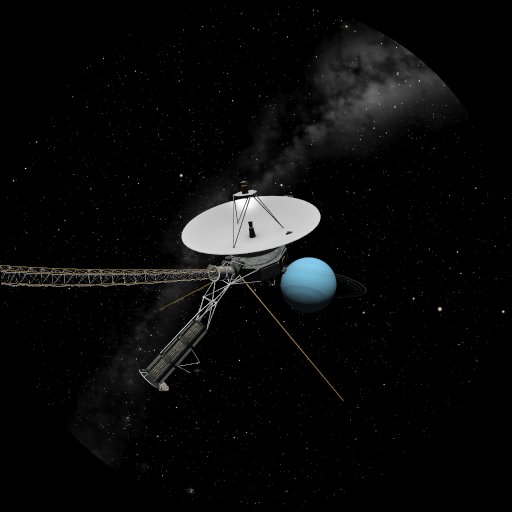
Integration of 3D models with color, transparency and multi texturing.
Planets with 3D landscape in close-up view.
Play videos with transparency (keycolor).
Playing rectangular videos correctly distorted.
Play VR360 videos and change the viewing angle during playback of the file with the Joypad.
Play VR360 videos in cube format and compress the field of view to see more than 180°.
Wander among the stars and display the asterisms from distant places Model of the Galaxy.
Walk around the Joypad in Tully's catalog to find clusters and superclusters of galaxies. And other stuff to be included in the "pro" (with add-on) version in the near future :
-Amosphere of planets.
-Navigate through Saturnian rings.
...